Preventing Common Multi-Media Interface Failures
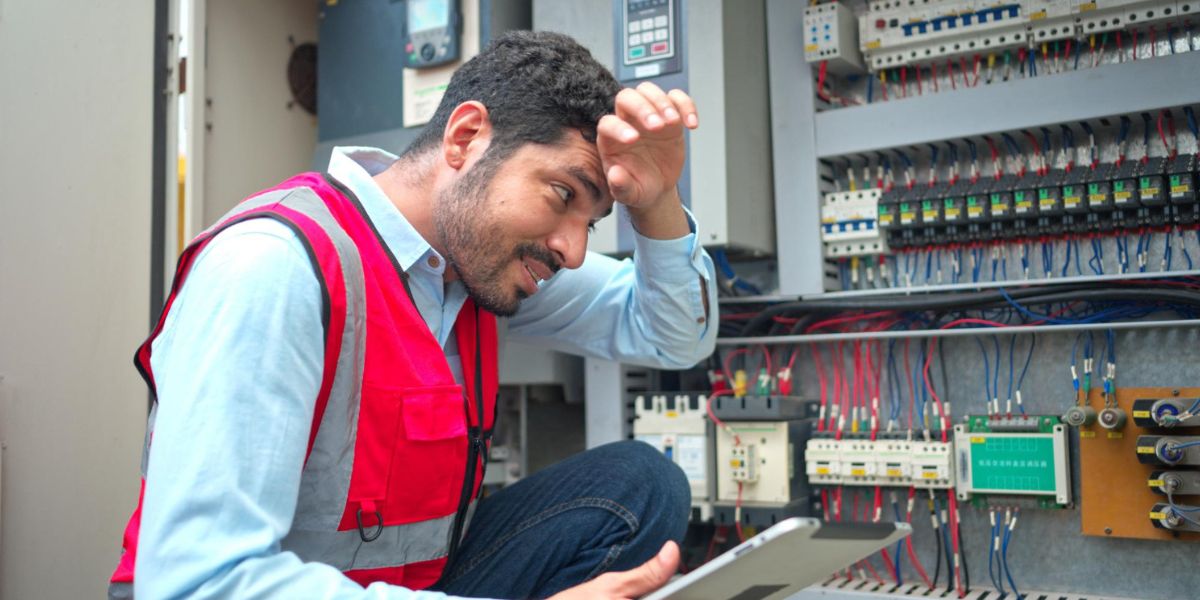
In modern industrial environments, multi-media interface (MMI) systems play a critical role in ensuring seamless communication between machines and operators. From manufacturing plants to automated production lines, these interfaces support monitoring, diagnostics, and control. However, multi-media interface failures can disrupt operations, reduce productivity, and increase maintenance costs.
Understanding the causes and solutions behind these failures is the first step toward building a reliable and efficient system.
What Are Multi-Media Interface Failures?
Multi-media interface failures occur when the display, input, or communication modules within an MMI system stop functioning correctly. In industrial environments, these interfaces are typically connected to:
- PLC systems
- CNC machines
- Automation panels
- Control boards
- Monitoring systems
A failure does not always mean a dead screen. It may include:
- Touchscreen not responding
- Distorted or blank display
- Communication timeout with PLC
- Frozen control panel
- Data lag or incorrect readings
- Repeated reboot cycles
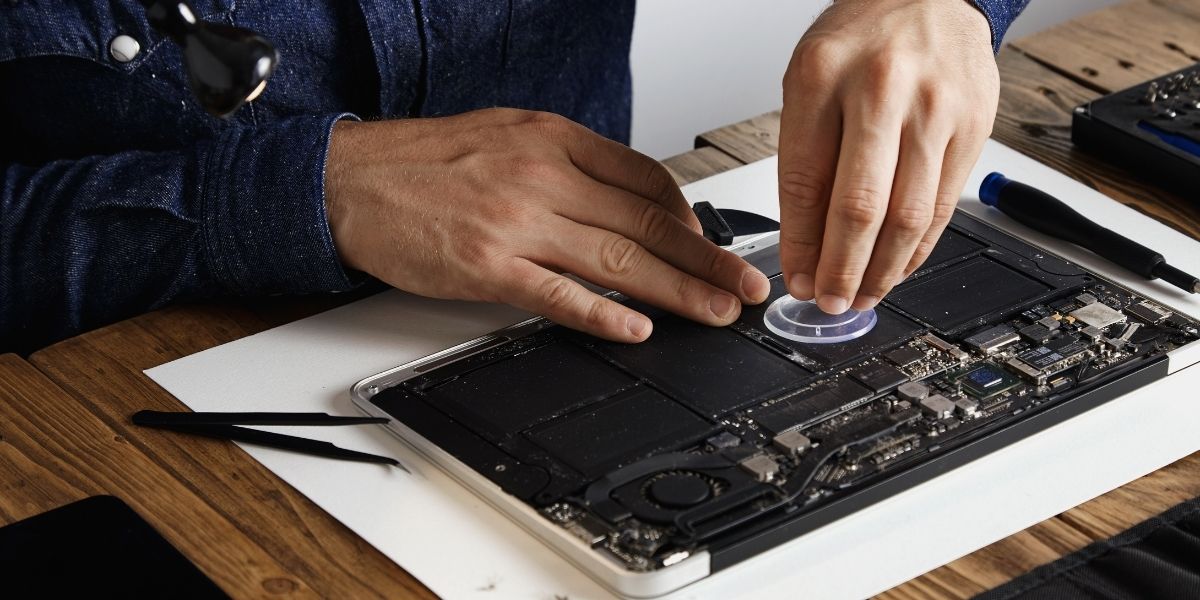
These problems often originate from hardware-level electronic faults rather than simple software glitches.
Common Causes of Multi-Media Interface Failures
1. Electrical Power Fluctuations
Voltage spikes, unstable power supply, and improper grounding can damage sensitive interface circuits. Sudden surges may affect display panels, internal processors, or communication ports.
2. Overheating and Poor Ventilation
Industrial environments generate heat. If the interface system lacks adequate ventilation, internal components can overheat, leading to frequent shutdowns and performance issues.
3. Dust and Moisture Exposure
Dust accumulation and moisture infiltration are leading contributors to multi-media interface failures. Industrial settings often expose systems to humidity, metal particles, and contaminants.
4. Wear and Tear of Touch Panels
Continuous use of touchscreen interfaces can result in sensitivity loss or dead zones. Mechanical buttons may also wear out over time.
5. Outdated Software and Firmware
Incompatibility between updated PLC systems and older MMI firmware can create communication breakdowns. Ignoring software updates increases system vulnerability.
Preventive Maintenance Strategies
To focus on preventing common multimedia interface failures, organizations must move from reactive repair to structured preventive maintenance. In industrial environments, MMIs operate continuously under electrical, thermal, and environmental stress. Without a planned maintenance framework, minor issues quickly develop into system failures. A preventive strategy should combine technical inspection, environmental control, operational discipline, and expert support.
1. Routine Inspection Schedule (Technical-Level Monitoring)
Routine inspection must go beyond visual checks. A proper schedule should include both physical and electrical evaluation of the interface system. What should be inspected:
- Display brightness consistency
- Touch response accuracy across the screen surface
- Communication port stability (RS232/RS485/Ethernet)
- Power supply voltage stability
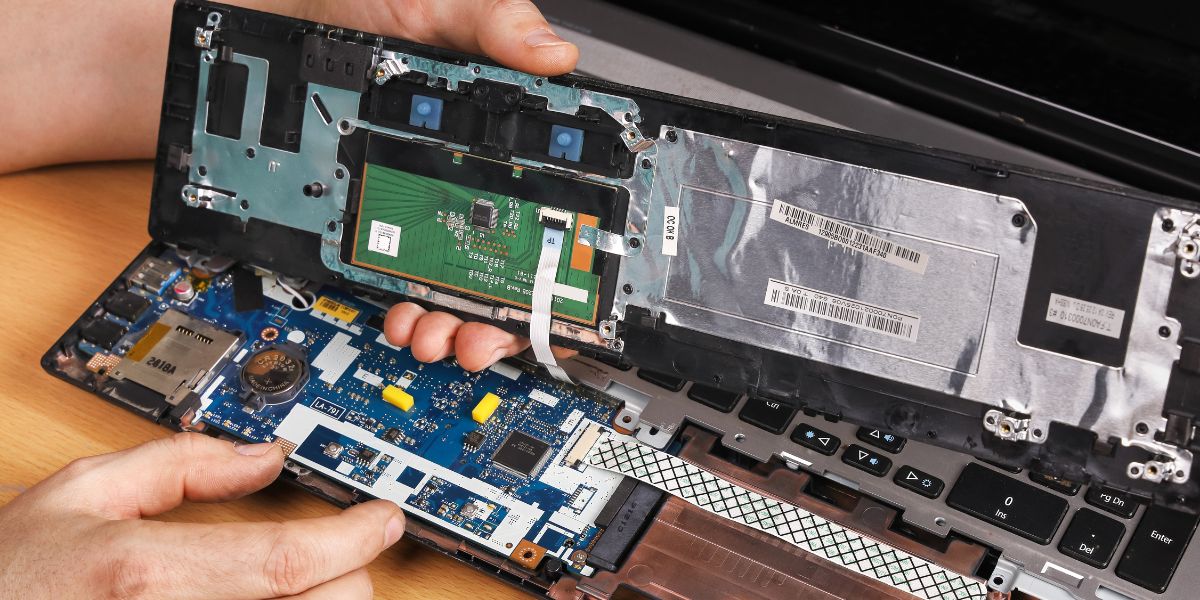
- Internal PCB condition (bulging capacitors, burnt components)
- Connector tightness and oxidation
Why does it matter?
Most multi-media interface failures start as small electrical instabilities, such as a weak capacitor, a loose connector, or voltage ripple. Detecting these early allows component-level correction before a full breakdown occurs.
Recommended frequency
- Visual inspection: Monthly
- Electrical diagnostics: Every 6 months
- Full preventive testing: Annually
This reduces emergency mmi repair situations significantly.
2. Backup and Data Protection (Configuration Security)
Many industries overlook configuration protection until failure occurs. MMIs often store:
- Machine parameters
- Calibration data
- Communication settings
- Production presets
- Alarm history
If an interface fails and data is not backed up, restoring operations become time-consuming and costly.
Best practices
- Maintain digital backups of firmware and configurations
- Store backup copies securely in multiple locations
- Document communication settings and PLC mapping
- Create a recovery protocol for fast reinstallation
This ensures that even if hardware repair is required, recovery time remains minimal. Preventing common multimedia interface failures is not only about hardware, but it’s also about protecting operational data.
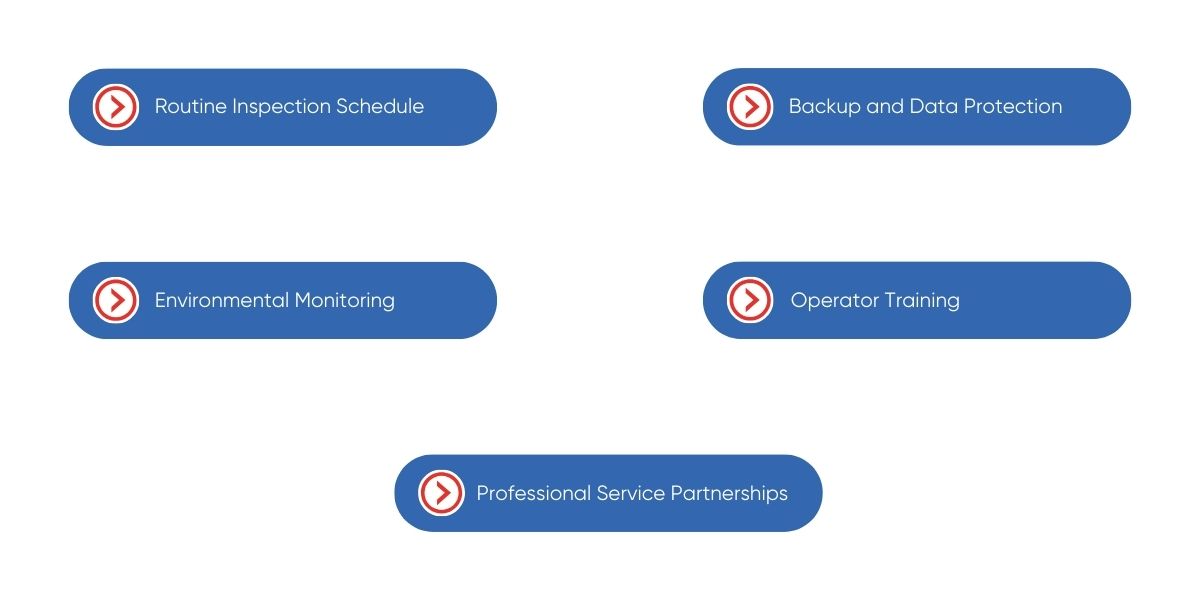
3. Environmental Monitoring (Control Cabinet Stability)
Industrial control panels are often exposed to heat buildup, dust, oil vapors, and humidity. These factors directly affect MMI lifespan. Critical environmental factors to monitor:
- Internal cabinet temperature
- Ambient humidity levels
- Dust accumulation near the ventilation
- Airflow obstruction
- Condensation inside panels
Preventive actions
- Install temperature sensors inside control cabinets
- Use filtered ventilation systems
- Replace cabinet filters regularly
- Seal unused cable entries
- Ensure proper IP-rated enclosures
- Excessive heat accelerates capacitor aging and IC degradation.
- Moisture causes corrosion on PCB tracks.
- Dust blocks airflow and causes overheating.
For industries operating in high-temperature regions, structured environmental control is a major factor in reducing the need for industrial electronics repair Dubai services.
4. Operator Training (Human Factor Control)
Many interface issues originate from improper usage rather than technical defects. Common operator-related causes include:
- Excessive pressure on touchscreens
- Using sharp objects instead of fingers or a stylus
- Repeated forceful tapping
- Ignoring warning messages
- Restarting systems improperly
Training operators on proper handling can significantly extend interface lifespan.
Training should include:
- Correct touchscreen usage
- Basic troubleshooting steps
- Reporting early warning signs
- Avoiding unauthorized software changes
- Proper shutdown procedures
When operators understand early symptoms like screen lag or flickering, maintenance teams can intervene before major interface repair is required.
5. Professional Service Partnerships (Expert-Level Prevention)
Even with internal maintenance teams, industrial electronic systems require specialized diagnostic tools and board-level expertise. Partnering with a trusted industrial electronics repair provider Dubai ensures:
- Advanced fault diagnosis
- Component-level testing
- Micro-soldering repair capability
- Load simulation testing
- Preventive component replacement
A professional partner does more than fix failures; they help predict them. For example:
- Replacing aging capacitors before failure
- Reinforcing weak solder joints
- Upgrading vulnerable power sections
- Testing signal integrity under load
This proactive approach minimizes emergency downtime and reduces total maintenance cost.
At Horizon Elect Devices, preventive service includes a detailed electronic health analysis, ensuring systems remain stable under industrial operating stress.
Signs You Should Not Ignore
Early detection is key to preventing common multimedia interface failures. Watch for:
- Delayed response time
- Screen discoloration
- Unexpected system restarts
- Communication lag with machines
- Audio-visual distortions
Ignoring these warning signs may result in complete interface breakdown, requiring extensive mmi repair or full system replacement.
Ensure Operational Continuity Through Preventive Strategy
Preventing common multimedia interface failures requires a combination of preventive maintenance, environmental control, and professional technical support. Industrial environments demand reliability, and even minor interface malfunctions can disrupt entire production lines.
By implementing structured maintenance practices and partnering with experienced specialists like Horizon Elect Devices, businesses can reduce downtime, extend equipment lifespan, and ensure consistent operational performance. Investing in proactive care today prevents costly repairs tomorrow. When it comes to multi-media interface failures, early action and expert industrial electronics repair make all the difference.